Switching to StriveBit
Switching ERP shouldn't be a project.
Send us your existing Excel, CSV, Tally export or old ERP data. We set up the school, train your people, and stay with you through go-live.
Step one
Send us what you have.
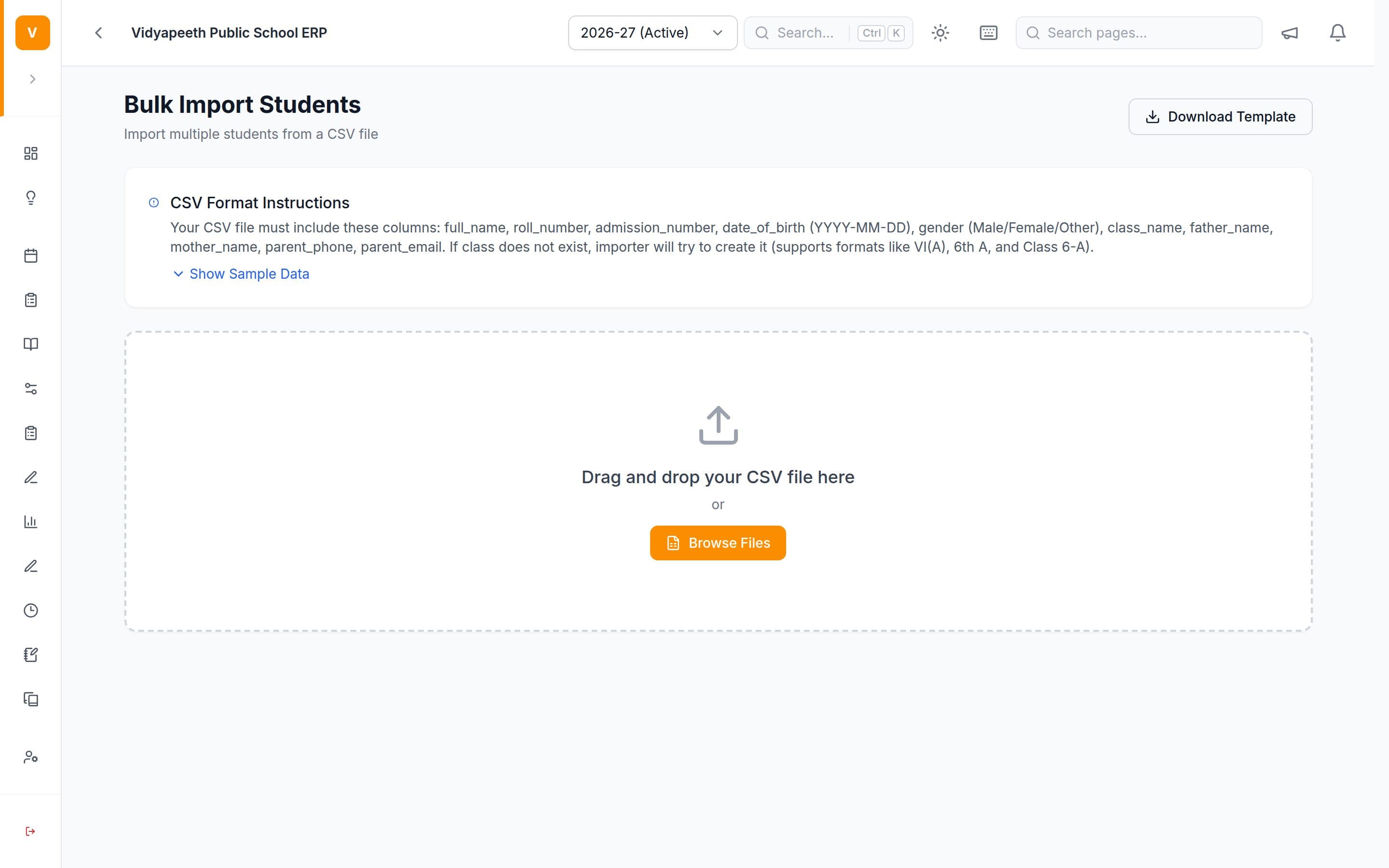
- Excel or CSV sheets
- Map the columns and import them.
- A Tally export
- Pull the fee heads and dues from it.
- Your current ERP's export
- Import students, parents and staff from it.
- Registers or photos of them
- Type them in for you.
From your side
What we need from you.
- One person in the office who can answer questions for two weeks
- Your student list, with a parent phone number for each child
- This year's fee structure
- Your staff list, with who does what
- About two hours of your teachers' time, in total
Day by day
Two weeks, and who does what.
This is the plan we run with every school. Your coordinator gets it in writing on day 0.
- Day 0Kickoff call — who decides, who coordinates, and exactly what data we need.
- Days 1–2We set up the school, year, classes and sections, and import students, parents and staff. You check the counts.
- Day 3Fees, attendance, exams and notices configured. Office and accounts trained (60–90 minutes).
- Day 4Teachers trained — about 30 minutes, at school, in Hindi or English.
- Days 5–7Parents invited on WhatsApp, with a five-minute guide and a help desk at school if you want one.
- Week 2We watch who is using it, fix what's awkward, and retrain anyone who needs it.
What “live” means
- Every student imported and checked
- Office using it daily
- Teachers marking attendance
- Parents received a useful notice
- One fee cycle completed
- Principal has opened the dashboard
Mid-year or April
Two ways to start.
Start now
- Parents, attendance, notices and online fees for the rest of this session
- Live in about a week
- Nothing from the first half of the year has to be re-entered
Full switch in April
- Everything, including exams, results and timetable, from day one of 2027–28
- Set up in March, live on 1 April
- A clean start for the new session
What we won't promise
We won't tell you switching is instant or effortless. Someone in your office will spend a few hours checking counts with us, and your old system should stay readable until your first fee cycle closes. We'd rather say that now than in week two.
On Standard plans and above, we do the migration. On Compact you import with our guidance — founding schools get the full setup on any plan.
See it running on
your school’s data.
Twenty minutes on a call. Then a demo built around your class list and fee structure.
Free demo · Up to three sessions · We come to your school in Chandigarh, Haryana and Delhi NCR